
Direct Edit Mode
Edit text directly on your website without using AI credits
Direct Edit Mode
Edit text and code directly without using AI credits
Direct Edit Mode lets you make quick changes to your website without using AI credits. It includes two editing modes: direct code editing and direct preview editing. Simply click on elements and edit them directly - perfect for typos, content updates, and quick tweaks.
Enabling Direct Edit Mode
You can enable Direct Edit Mode directly from the header of your project. This mode works in both code editor and preview interfaces.
Enabling Direct Edit Mode from the header
How to Use Direct Edit Mode
Once enabled, Direct Edit Mode offers two ways to edit:
Code Direct Editing
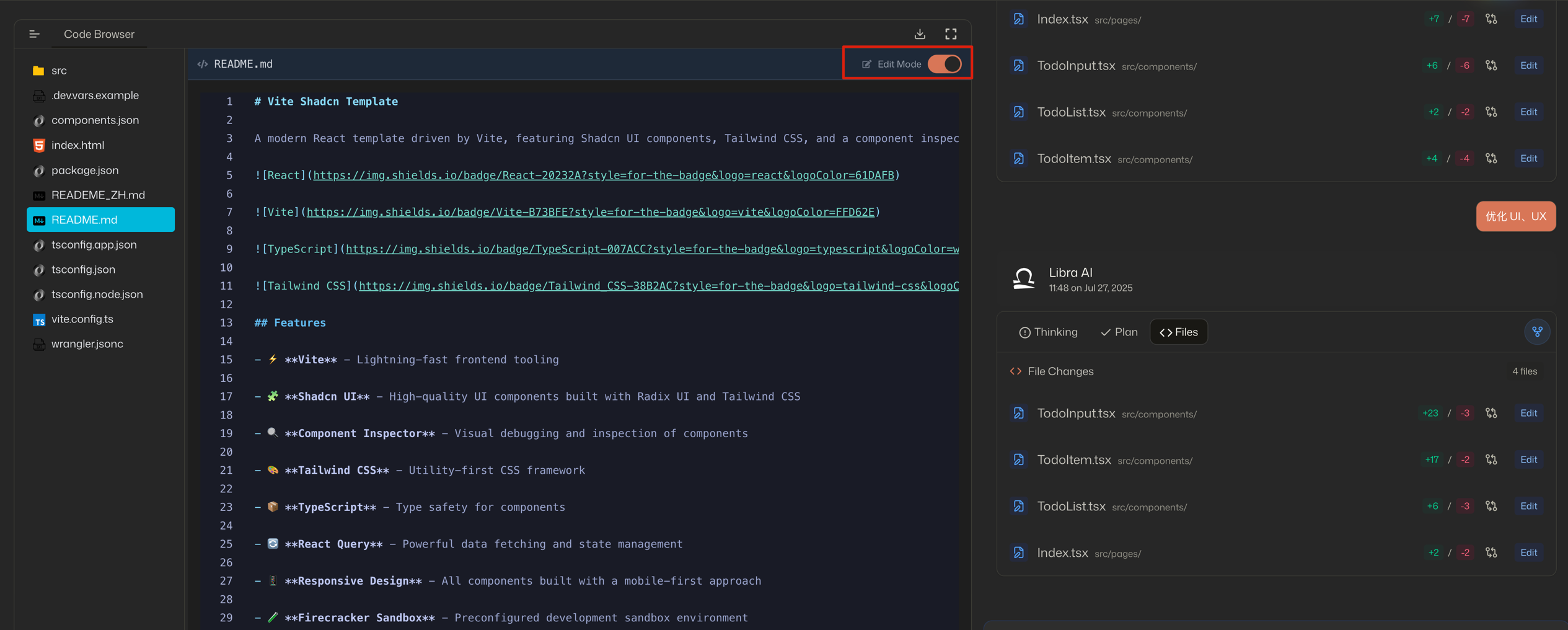
1. Select Code Element Click on any code element in the code editor that you want to edit
2. Make Your Changes Type your new code directly in the editor
3. Save Changes Changes are automatically saved to your code
Preview Direct Editing
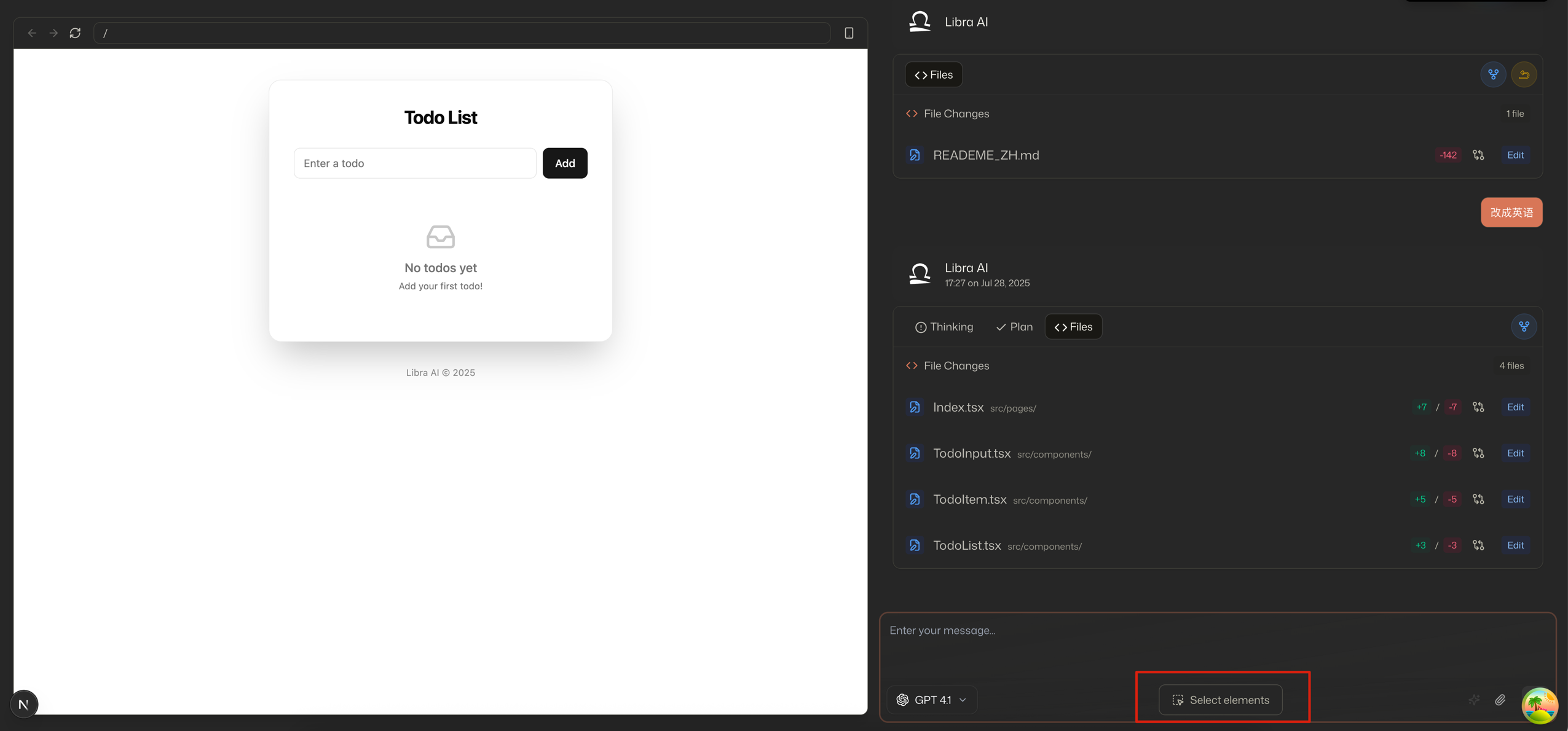
1. Select Text Element Click on any text element in the preview that you want to edit
2. Make Your Changes Type your new text directly in the preview element
3. Save Changes Click outside the element or press Enter to save your changes
Benefits of Direct Edit Mode
- No AI Credits Used: Make edits without consuming your AI credits
- Dual Editing Options: Edit both code directly and preview content
- Instant Changes: See your edits in real-time as you type
- Simple Interface: No complex forms or dialogs - just click and edit
- Perfect for Quick Fixes: Ideal for correcting typos, updating content, or making small code adjustments
- Flexible Workflow: Choose between code editing and preview editing based on your needs
When to Use Direct Edit Mode
Direct Edit Mode is perfect for:
Code Direct Editing:
- Quick code fixes and adjustments
- Updating variable values
- Modifying function parameters
Preview Direct Editing:
- Fixing typos and spelling errors
- Updating contact information
- Changing prices or product details
- Modifying headings and titles
- Quick content adjustments
For more complex changes that require AI assistance, you can always switch back to the regular AI-powered editing mode.